
March 21, 2026 · 1 min read
Map Visualization Glossary for Non-Designers
A plain-language glossary of common map visualization terms for marketers, analysts, operators, and product teams.
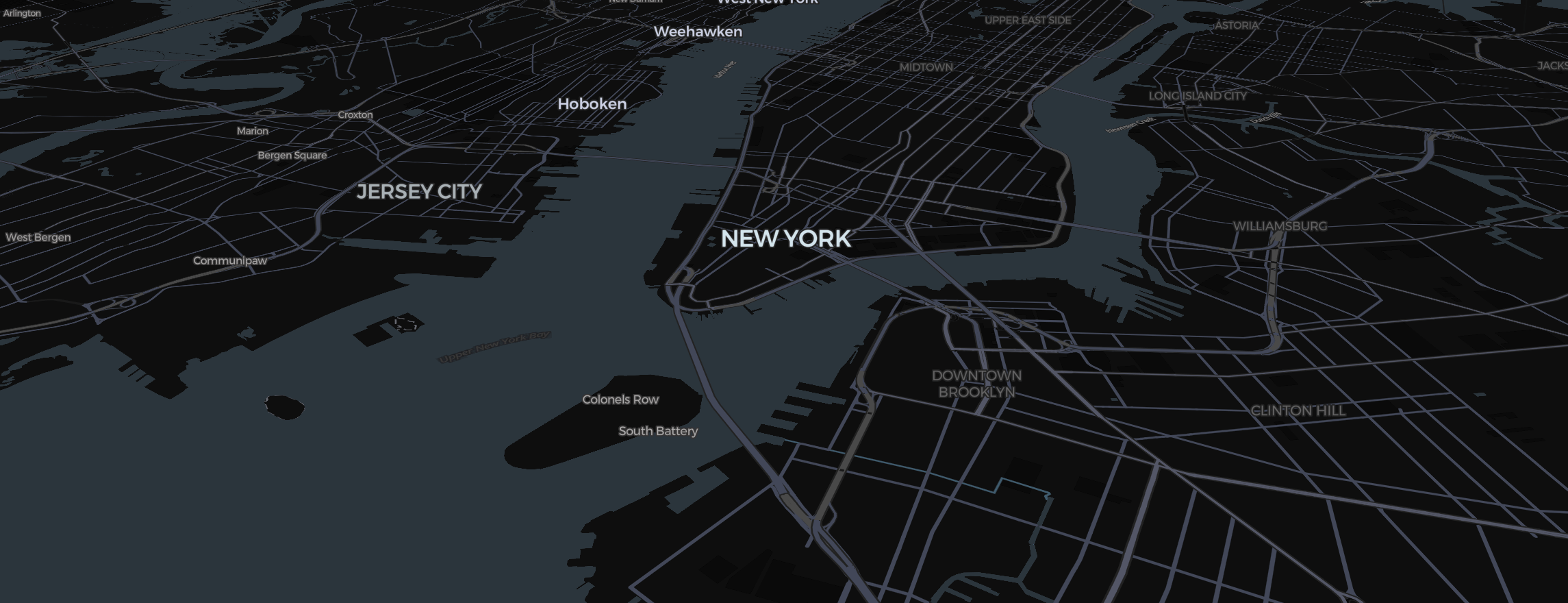
Many teams need map charts, but not everyone speaks visualization jargon. This glossary explains common terms in plain language so product, marketing, ops, and analytics teams can make better map decisions faster.
Choropleth map
A map where regions are shaded based on a value, such as revenue by state or turnout by county.
Categorical map
A map where regions are colored by group instead of numeric scale, such as sales territory owner or customer status.
Legend
The key that explains what map colors, symbols, or categories mean.
Region matching
The process of connecting your source data to the correct geographic area on the map.
Tooltip
The small information box that appears when someone hovers over or taps a region.
Embed
A version of the map placed inside another page, such as a website, report, or dashboard.
Geographic scope
The level or area the map covers, such as world, country, state, province, or county.
Export
A downloadable version of the map, often as an image or other shareable output.
Data normalization
Adjusting values so comparisons are fair, such as using rate per capita instead of raw totals.
Interactive map
A map that responds to user actions like hover, click, filtering, or drill-down instead of only displaying a static image.
Final takeaway
Teams make better maps when they share a common vocabulary. You do not need to be a designer or GIS specialist to use these concepts well. You just need the terms to be clear and the workflow to be practical.