
March 11, 2026 · 2 min read
Google Sheets Map Visualization Guide
How to turn Google Sheets data into a clean map visualization for reports, websites, and internal dashboards.
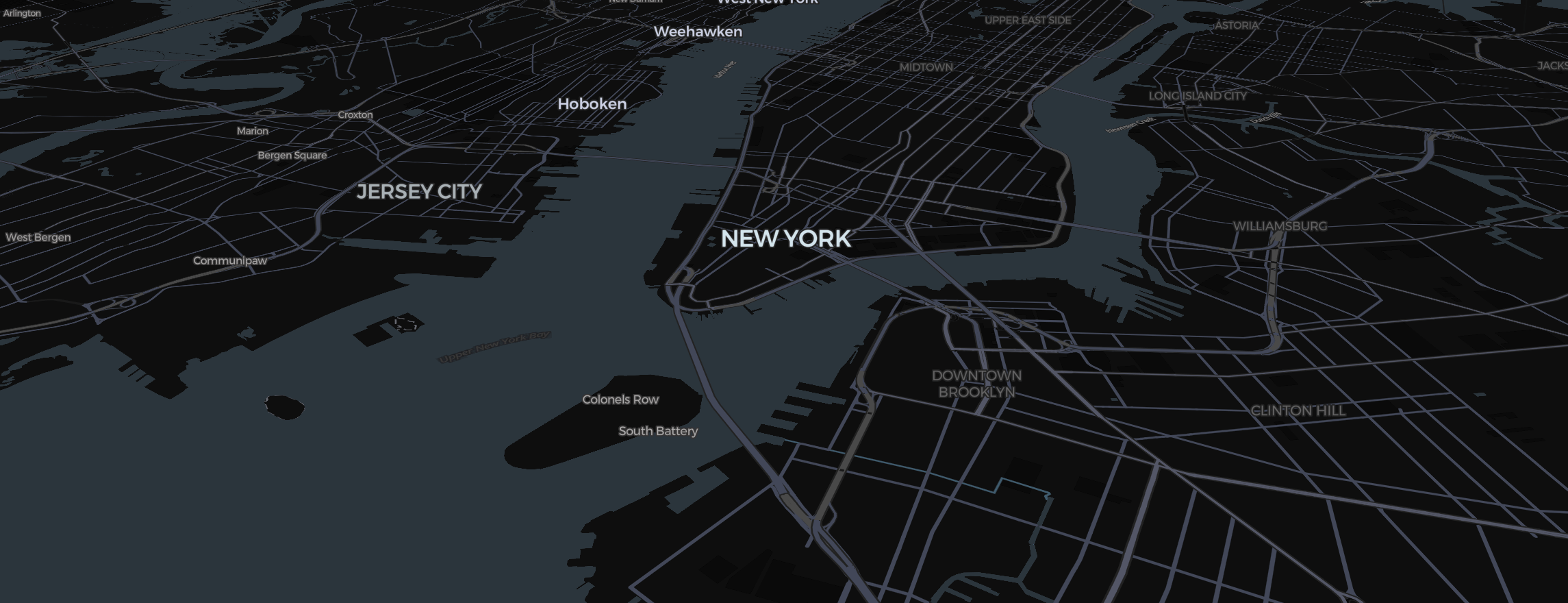
If your data already lives in Google Sheets, your map workflow should start there. Too many teams export CSVs, rebuild visuals manually, and repeat the process every time a sheet changes.
A better approach is to treat the spreadsheet as the source of truth.
Why teams use Google Sheets for map data
Google Sheets remains popular because it is:
- collaborative
- easy to update
- accessible to non-technical teams
- already embedded in many reporting workflows
That makes it a practical source for map visualization.
Structure the sheet for mapping
The cleanest setup includes:
- one column for geography
- one or more value columns
- optional label or category columns
Keep the geography level consistent. Do not mix countries and states in the same field unless the tool explicitly supports it.
Avoid common spreadsheet problems
Before visualizing the sheet, look for:
- duplicate regions
- merged cells
- inconsistent abbreviations
- blank values
- notes or formatting that should not be part of the dataset
Spreadsheet flexibility is useful, but it also creates mess fast.
Decide how often the map will update
There are two common patterns:
- occasional exports for reports
- recurring maps tied to a live sheet
If you update often, reliability matters more than one-time polish. Your workflow should minimize manual fixing between versions.
Styling tips for sheet-based maps
When the underlying data can change often, use stable styling rules:
- consistent bins or scales
- predictable color assignments
- short tooltip formats
- reusable map settings
This keeps the output coherent over time.
Final takeaway
Google Sheets is a strong source for map visualization as long as the map tool respects spreadsheet realities. That means reliable region matching, repeatable imports, and clean outputs without extra design work.
If your reporting already runs through Sheets, your maps should too.