
March 9, 2026 · 2 min read
How to Embed an Interactive Map on Your Website
A practical guide to embedding interactive maps on marketing sites, reports, product pages, and internal dashboards.
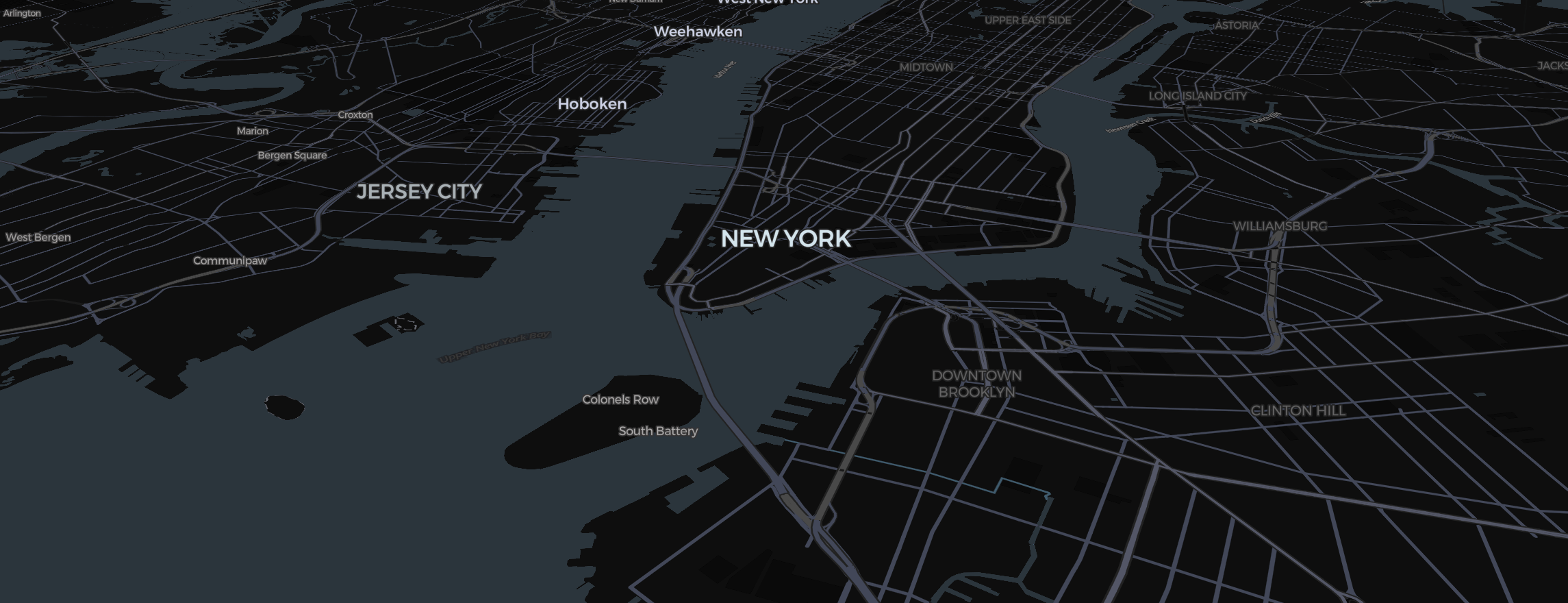
Embedding a map should not require a custom front-end project. For most teams, the challenge is not whether a map can be embedded. It is whether the embedded version remains fast, readable, and easy to update.
When embedded maps are useful
Interactive map embeds work especially well for:
- marketing landing pages
- investor or annual reports
- newsroom stories
- product dashboards
- internal operations views
In each case, the map needs to load reliably and explain itself quickly.
What to decide before embedding
Before publishing, define:
- who the audience is
- whether the data changes frequently
- whether the map needs hover states or filters
- whether mobile usability matters
Those answers shape the right embed strategy.
Keep the interaction simple
An embedded map usually has less screen space than a full map page. Prioritize:
- hover tooltips
- clean legends
- clear titles
- restrained labels
Do not overload the embed with controls unless the map is the main content on the page.
Performance matters
Heavy embeds create two problems:
- they hurt page speed
- they reduce user engagement
The best embedded maps are visually rich but structurally simple. Good defaults, optimized assets, and efficient rendering all matter.
Design for context
A map on a homepage behaves differently from a map inside a report. Ask what role the map is playing:
- Is it the main story?
- Is it supporting a paragraph?
- Is it helping users compare regions quickly?
The answer should influence scale, labels, and annotation.
Common embed mistakes
The most common issues are:
- maps that are too small to read
- legends detached from the chart
- mobile layouts that break
- too many interactions for the available space
If users cannot understand the map in a few seconds, the embed is underperforming.
Final takeaway
The best embedded maps feel native to the page they live on. They load fast, communicate one clear idea, and stay easy to maintain.
That is the standard to aim for when you publish interactive maps on the web.